
Frequently Asked Questions.
How do I get into the client portal
After you’ve connected with our office staff to schedule an appointment, you will receive a link via email to create a login. Once you have established your login from the link, you will login at:
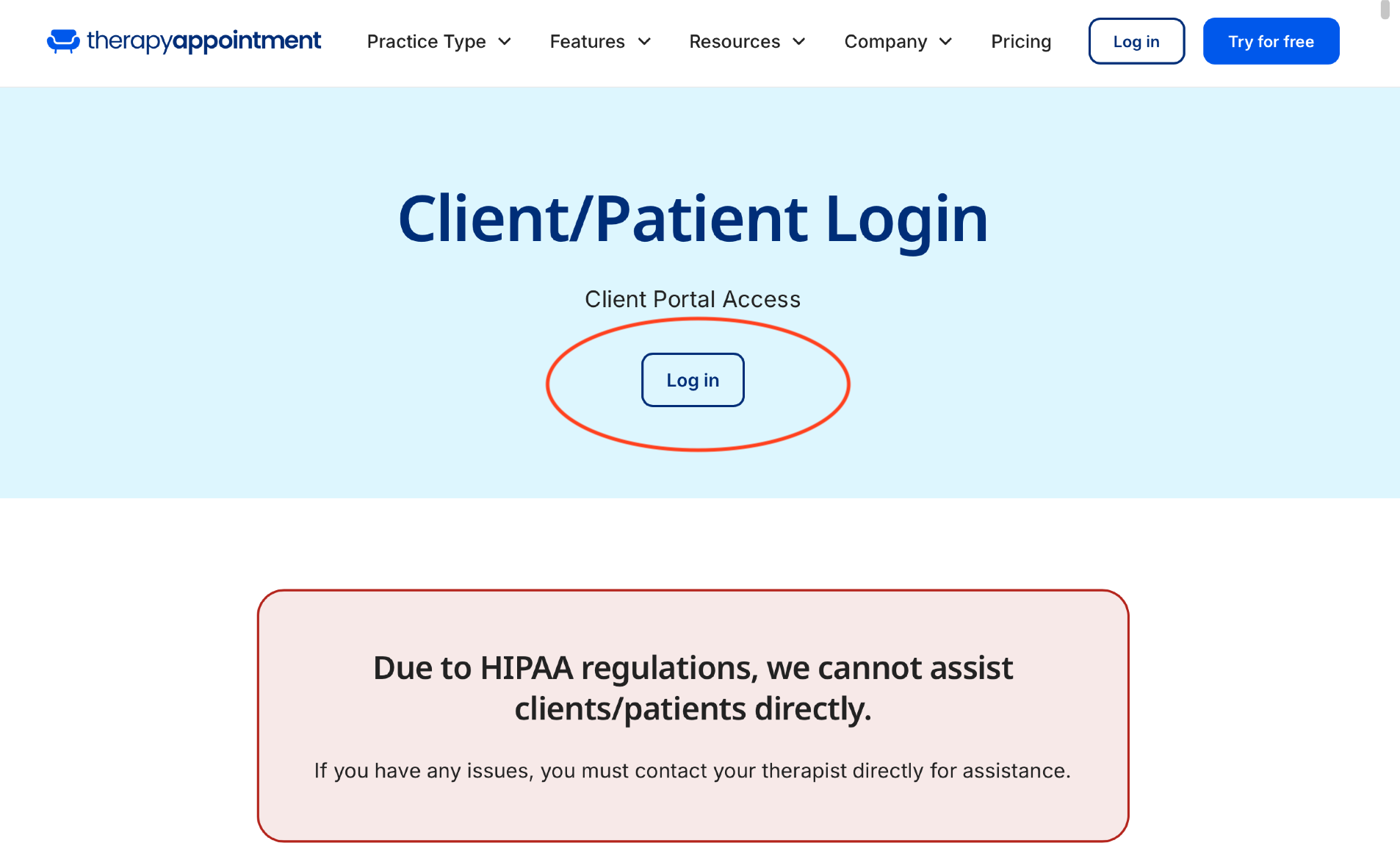
Click the “Log In” button on main Therapy Appointment homepage (see above example)
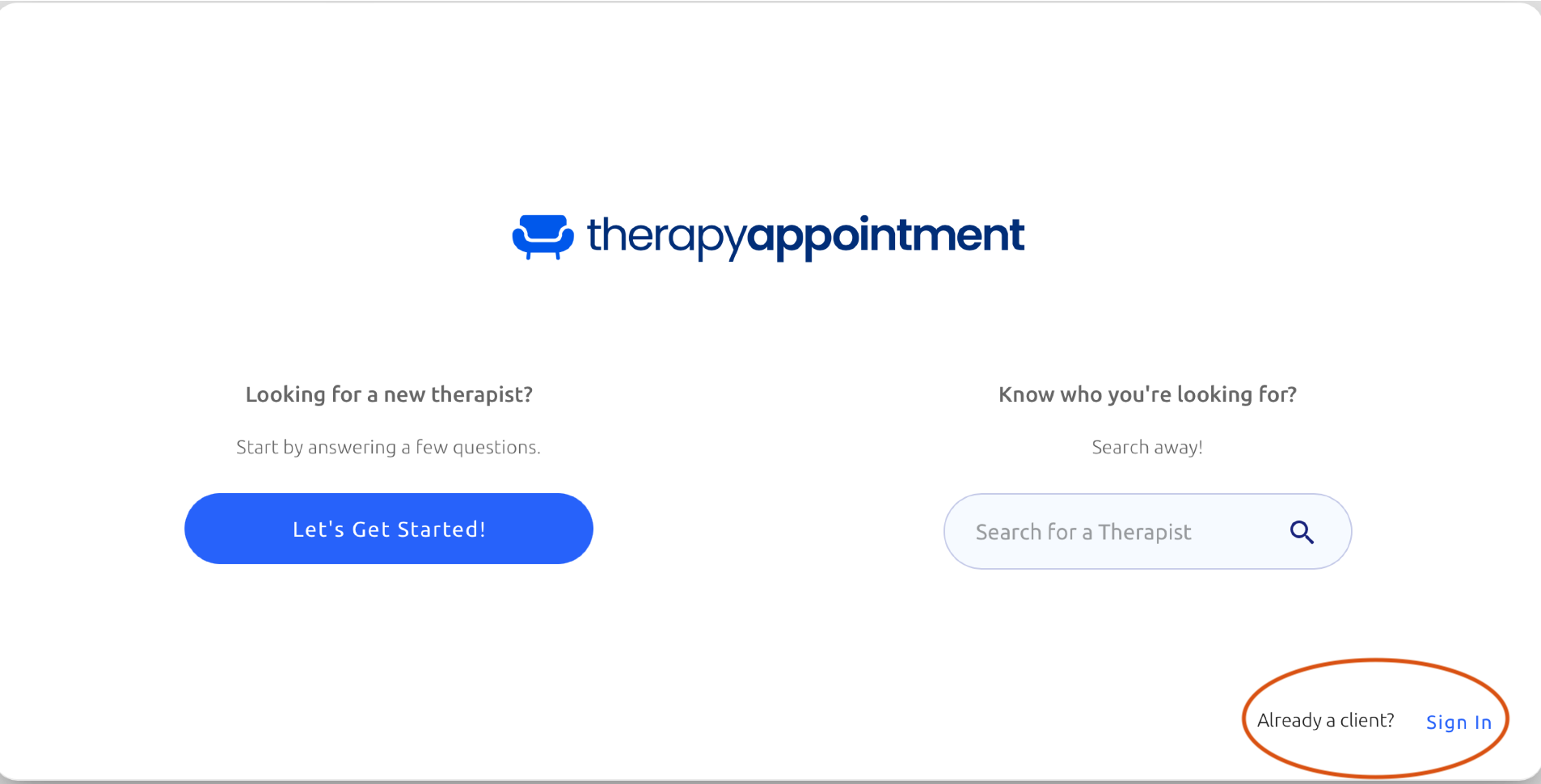
Click the ‘Sign In’ button in the lower right hand corner (see above example)
I forgot my username/password for the portal, what do I do?
Please call our office at 740-202-7110 and we will gladly assist you with reminding you of your username or a reset password link.
I’m trying to fill out the forms on my portal, but having trouble, what should I do?
If you are trying to fill out your forms on a mobile device, Therapy Appointment works best on a desktop computer or laptop. If you still experience issues filling out the forms or have questions please call our office at 740-202-7110.
I don’t have someone to watch my child/children during my counseling session. Can I bring my child(ren) to my session?
We understand that finding childcare can sometimes be challenging, and while you are welcome to bring your children to your session if necessary, we kindly ask that you do so with a few considerations in mind. For the benefit of your experience and to maintain a focused and productive environment, we generally do not recommend bringing children to appointments.
If you do need to bring them, we ask that they are able to remain respectfully quiet and can for the most part, entertain themselves without disruption throughout the session. This helps ensure that both you and others can get the most out of the time. Thank you for your understanding and cooperation.